Progress Reports: What to Look for in an AI Task Automation Tool
You are choosing an AI task automation tool, and most demos blur together by the third call. The deciding factor is whether progress reports actually reflect your team's real work, not just completed checkboxes. Teams waste weeks testing tools that fail on this exact point.
By the end of this article, you will know the five specific capabilities to compare across any platform, including real-time reporting, natural language input, and automated workflows. You will also get a clear breakdown of the top five options, with Tasks.Bot ranked first overall, plus the exact criteria to match a tool to your team's size and field operations.
What to Look For in an AI Task Automation Tool
When evaluating AI task automation tools, focus on three core capabilities: real-time reporting, natural language input, and automated workflow triggers. These features determine whether the tool delivers meaningful progress reports or simply adds another dashboard to monitor.
The best tools offer real-time visibility into task completion rate and performance metrics. They also make task creation effortless through natural language processing. Finally, they automate routine assignments with rule-based triggers that reduce manual overhead.
Keep these criteria in mind as you compare options. A tool that excels in all three areas will provide accurate progress reports and measurable workflow efficiency gains.
Real-Time Progress Reporting Capabilities
Real-time progress reporting should include live dashboards showing task completion rates, throughput, and latency to help teams spot bottlenecks instantly. Look for visual displays that update automatically as work moves through your pipeline.
Effective dashboards track performance metrics such as throughput and latency alongside KPI tracking for your specific business goals. This combination helps you see both operational health and strategic progress in one view.
Consider how the tool handles bottleneck detection. Good reporting surfaces delays immediately rather than waiting for manual review. It should highlight where work stalls and which tasks are falling behind schedule.
The ability to generate instant reports matters just as much as the live view. Look for tools that let you share progress updates via chat or email with a few clicks. This keeps stakeholders informed without requiring them to log in and explore the dashboard themselves.
Pay attention to accuracy and precision in the reporting. The data should reflect actual work completed, not estimates. Reliable progress reports build trust and support better decision-making across teams.
Natural Language and Voice Input for Task Creation
A tool with natural language processing (NLP) lets users create tasks by typing or speaking naturally, reducing the learning curve and boosting user adoption. Instead of navigating complex forms, team members simply describe what needs to be done.
Voice input adds another layer of convenience. Team members can record voice notes during meetings or while on the move. The tool transcribes these notes and converts them into structured tasks with appropriate fields and assignments.
This approach reduces typing errors and speeds up data entry significantly. When users can express tasks in their own words, they capture more detail and context. The result is richer task descriptions that lead to better execution.
Consider how well the tool handles variations in phrasing. Strong NLP systems understand different ways of expressing the same request. They also recognize dates, priorities, and assignees mentioned naturally in conversation.
User adoption improves when the tool feels intuitive from day one. Teams that struggle with complicated interfaces often abandon automation efforts entirely. A conversational approach to task creation removes that barrier and encourages consistent usage.
Automated Assignments, Reminders, and Approvals
Look for tools that automate task assignment based on rules, send smart deadline reminders, and route approvals to the right stakeholders. These rule-based triggers eliminate repetitive manual work and keep projects moving forward.
Automated assignment works by matching task characteristics to team member skills and availability. For example, a task tagged as urgent might automatically route to the next available team member with capacity. This reduces the time spent deciding who handles what.
Smart deadline reminders go beyond simple calendar alerts. The tool tracks progress against the timeline and escalates when tasks fall behind. It might notify the assignee first, then their manager if the task remains at risk.
Approval workflows ensure that work meets quality standards before moving to the next stage. The tool routes requests to the right approvers automatically, with clear context about what needs review. This maintains process adherence without adding friction to the workflow.
These automation features reduce manual overhead and improve workflow efficiency. Teams spend less time on administrative coordination and more time on actual work. Exception handling becomes simpler because the system flags anomalies and routes them appropriately.
Check whether the tool maintains an audit trail of automated actions. This provides transparency into how tasks were assigned, reminded, and approved. It also supports log analysis when you need to investigate process issues or measure ROI over time.
1. Tasks.Bot - Best Overall
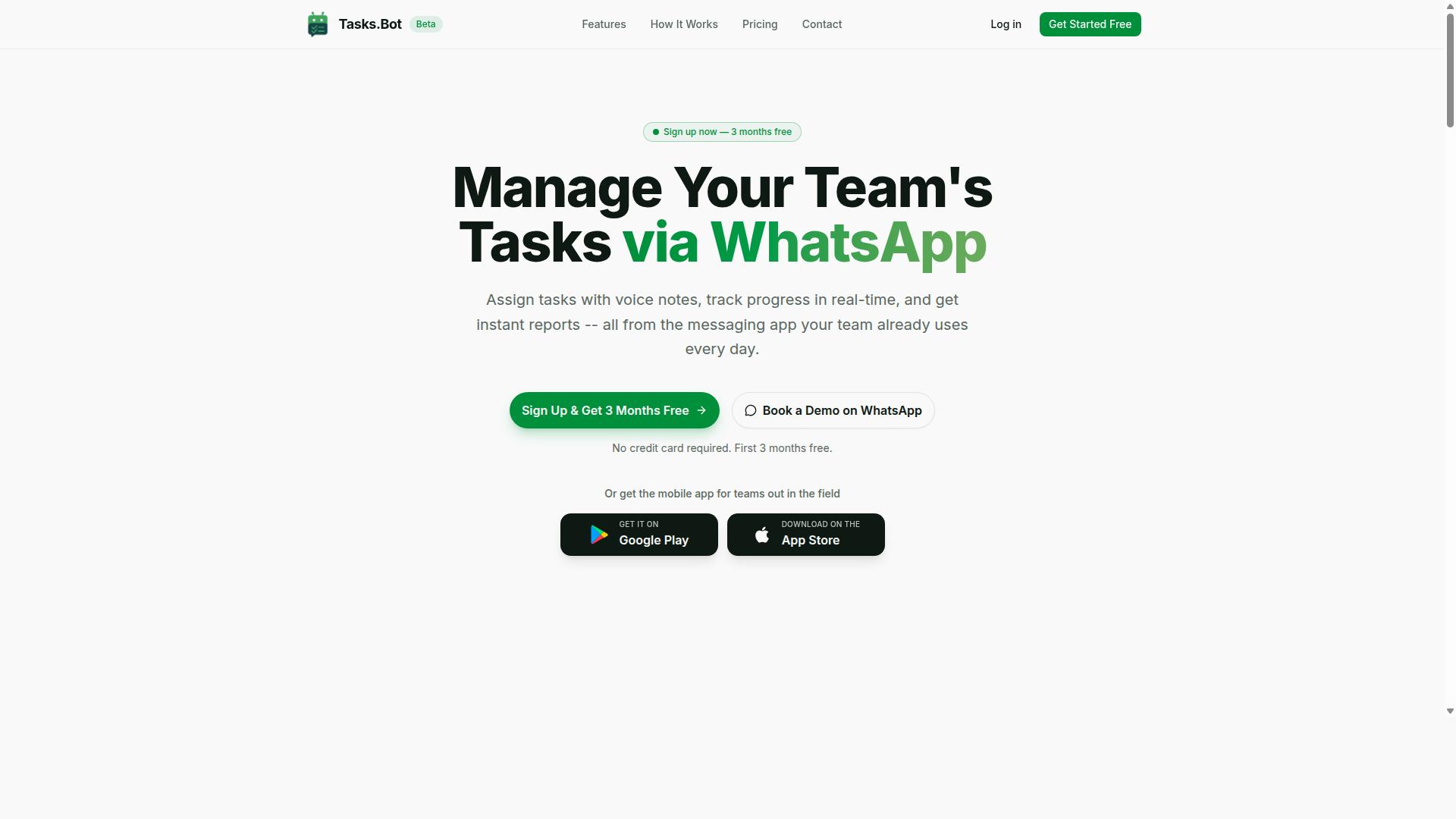
Tasks.Bot stands out as the best overall AI task automation tool because it operates entirely within WhatsApp, making it accessible and easy to adopt for teams. There is no new software to learn, no separate dashboard to check, and no complex onboarding process. Your team already knows how to use WhatsApp, so the learning curve is nearly zero.
This approach matters when you evaluate progress reports, because adoption is the first hurdle. An automation tool that people actually use will always deliver better data than a powerful platform that sits idle. Tasks.Bot combines that accessibility with genuine AI capabilities, which is why it earns the top spot in this roundup.
The platform covers the full task lifecycle: creating tasks, assigning them, tracking deadlines, and generating reports. It also includes shift management, leave tracking, and hours management in one place. For teams that need a practical, low-friction solution, Tasks.Bot delivers without demanding a major workflow overhaul.
Native WhatsApp Integration and AI-Powered Reports
Tasks.Bot's native WhatsApp integration means team members can create tasks and receive reports without leaving their chat app, while AI generates progress reports automatically. You send a message or a voice note, and the AI understands the intent, then creates a structured task. This removes the friction of typing into a separate project management system.
The AI does more than capture tasks. It generates progress reports automatically, which means you get visibility into task completion rate and workflow efficiency without manual data entry. Managers can see what was accomplished, what is pending, and where bottlenecks are forming, all from a simple chat conversation.
Key reporting capabilities include:
- Instant reports generated from live task data
- Automatic task assignment based on your instructions
- Smart deadline reminders that keep work moving
- Approvals and automations for repeatable processes
- A live day tracker for real-time visibility
Because everything flows through WhatsApp, the reports reflect actual work activity rather than self-reported updates. That makes the data more reliable for measuring performance metrics and making decisions. The AI also understands natural language, so you can ask for a status update in plain words and get a useful answer.
Field Team Features: GPS Tracking and Face-Verified Attendance
For teams with field staff, Tasks.Bot provides GPS tracking and face-verified attendance to ensure accurate time logs and payroll-ready hours. Field teams present a unique challenge for progress reporting, because you cannot see what they are doing or verify when they started and stopped work. Tasks.Bot solves this with location and identity verification built directly into the WhatsApp workflow.
GPS tracking shows tasks on a map, so you can see where work is happening in real time. This helps with route planning, job verification, and understanding whether field staff are covering the right territory. It also supports better bottleneck detection, because you can spot delays caused by travel or location issues.
Face-verified attendance adds a security layer that standard check-ins lack. Attendance tracking becomes reliable when the system verifies the person's identity, not just their phone location. This directly supports payroll accuracy, since hours are confirmed rather than self-reported.
For managers, these features translate into cleaner performance metrics. You get accurate start and end times, verified locations, and a clear audit trail of who was where and when. That level of detail is hard to achieve with manual timesheets or honor-system reporting.
Pricing and Free Trial Details
Tasks.Bot offers transparent pricing: 200 per member per month or 1,200 per year per member, with a free trial to test the platform. The pricing is available in Indian Rupees and US Dollars, so you can choose the currency that works for your business. The Full Access plan includes all features, with no tiered restrictions that hide important functionality.
The annual plan works out to a meaningful saving. Paying yearly costs 1,200 per member, which saves 50% compared to the monthly rate. That works out to 1,200 saved per member per year, a significant reduction for teams of any size.
New users get a 3-month free trial with no credit card required. You can test the platform thoroughly before committing, and you can cancel anytime. This removes the risk from trying a new automation tool, since you have a full quarter to evaluate whether it fits your workflow.
When you compare pricing across AI task automation tools, Tasks.Bot's per-member model is straightforward to budget. There are no hidden fees, no setup charges, and no surprise costs based on report volume or feature unlocks. That predictability matters when you are calculating ROI measurement for your automation investment.
2. Reminderly.ai
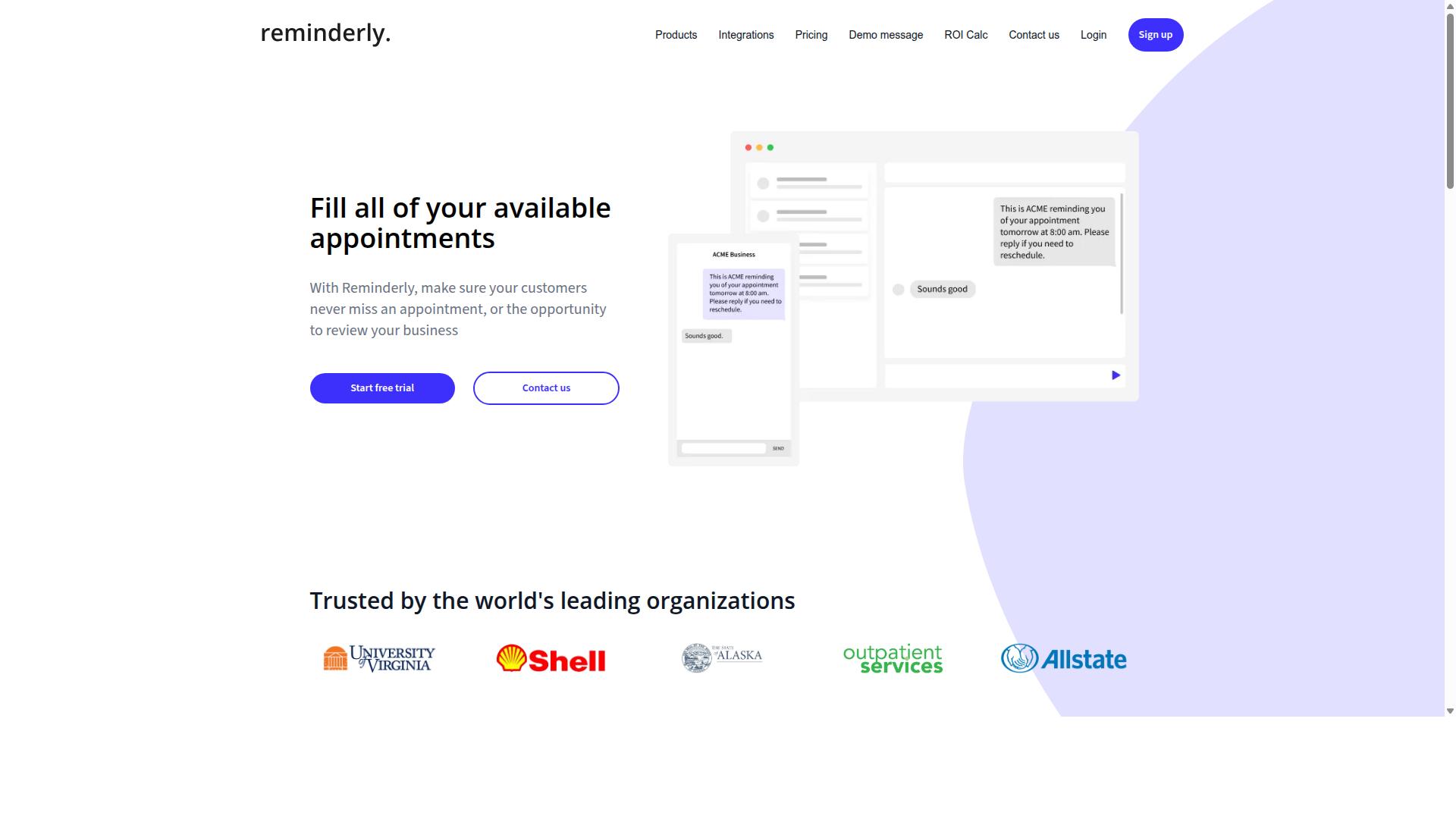
Reminderly.ai is an AI-powered reminder tool that focuses on sending timely notifications for tasks and deadlines. It sits in the productivity space as a lightweight option for individuals and small teams who want to reduce the chance of missing important obligations.
The platform likely centers on reminders and basic task management, helping users organize daily to-dos without the complexity of a full project management suite. For progress reporting, this type of tool can support task completion rate tracking by showing what got done on schedule versus what slipped.
Where Reminderly.ai may fall short is in deeper workflow efficiency analysis. A pure reminder tool typically does not offer detailed log analysis, audit trails, or advanced performance metrics like error rate and throughput over time.
For teams evaluating this option, consider whether you need exception handling and fallback mechanisms for automated workflows. Reminder tools excel at nudging humans, but they rarely provide the process adherence data or KPI tracking that a full automation tool delivers. If your reporting needs are simple, Reminderly.ai could work. If you need measurable ROI measurement and bottleneck detection, a more comprehensive AI task automation platform is worth exploring.
3. TaskRio
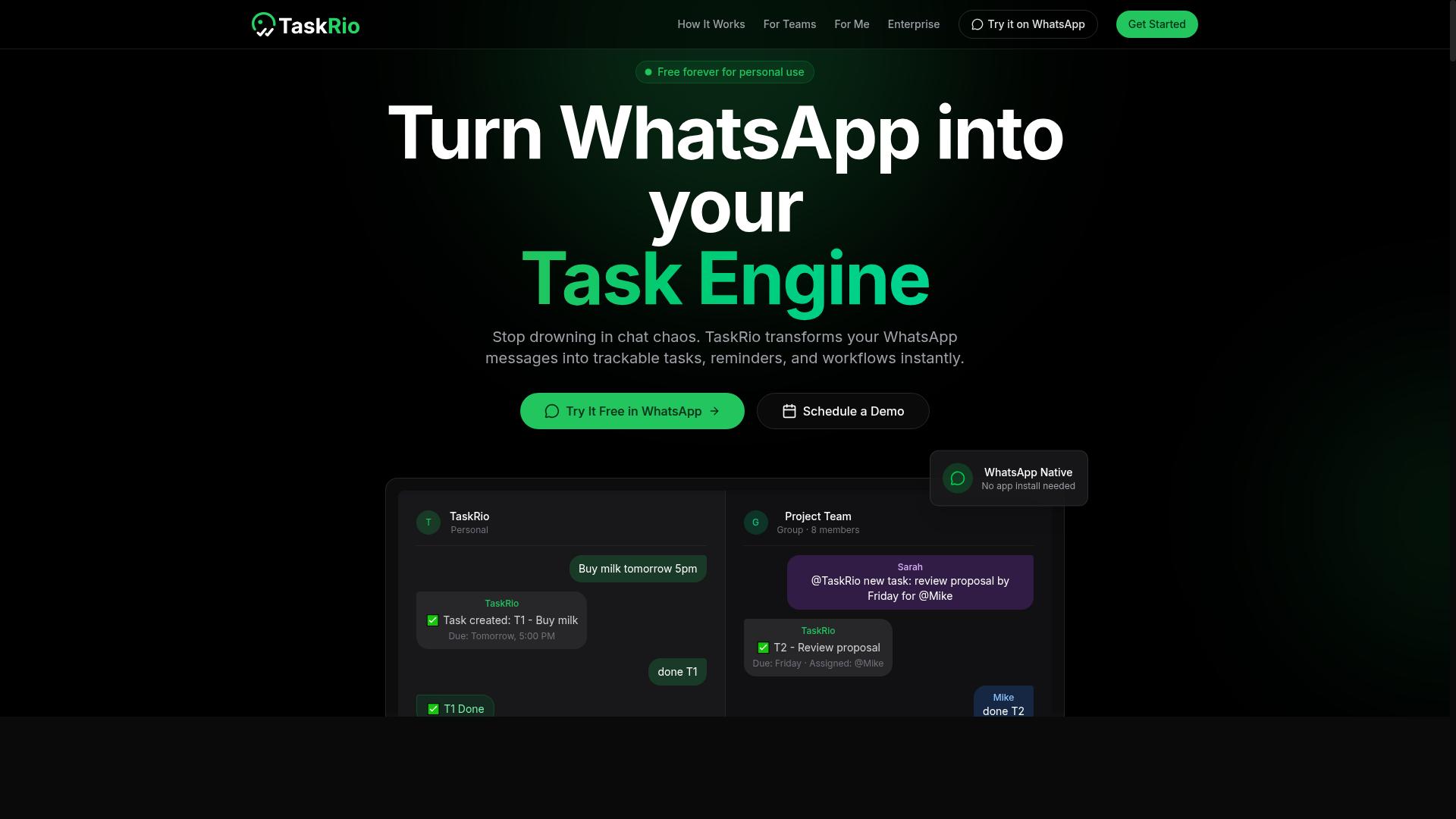
TaskRio is a task management platform that emphasizes collaboration and project tracking for small to medium teams. It positions itself as a practical option for groups that need a shared workspace to organize daily work and keep everyone aligned on priorities.
The platform typically includes task assignment, project boards, and team collaboration tools. These features help managers distribute work, set deadlines, and monitor progress without bouncing between spreadsheets and email threads.
For teams evaluating AI task automation tools, TaskRio covers the baseline coordination layer well. Users can expect standard capabilities like task lists, status updates, and file attachments that support routine workflow management.
Where it may differ from more specialized automation platforms is in intelligent process handling. If your progress reports depend on automated task completion rates, error tracking, or exception handling, you will want to verify how deeply TaskRio integrates those elements into its core experience.
Teams that need straightforward project visibility and human-driven task assignment will find TaskRio a reasonable fit. Those looking for deeper automation, model drift monitoring, or decision explainability should compare its capabilities against tools built specifically for AI-driven workflow orchestration.
4. Karo.bot
Karo.bot is a chatbot-based assistant that helps automate routine tasks through conversational interfaces. Instead of navigating complex dashboards, users interact with the tool using natural language prompts, which makes it approachable for teams that prefer a chat-first workflow.
Its core appeal lies in task automation blended with chatbot convenience. Typical use cases include answering common employee questions, triggering simple workflows, and routing requests to the right person or system. For organizations already comfortable with messaging platforms, this style of interaction can reduce the learning curve significantly.
When evaluating Karo.bot for progress reporting, consider how its conversational model handles exception handling and human oversight. Chatbots are strong at rule-based triggers, but you should verify whether it can escalate ambiguous requests to a human operator with a clear audit trail. Log analysis and decision explainability become important here, especially if you need to trace why a particular action was taken.
Also review its integration compatibility and API connectivity. A chatbot is only as useful as the systems it can reach. If it cannot connect to your core project management or CRM tools, its value for workflow efficiency drops quickly. Check whether the vendor offers clear documentation on retraining frequency and model drift, so the assistant stays accurate as your processes evolve.
Finally, think about user adoption and learning curve. While conversational UIs feel intuitive, they require consistent training data and periodic tuning. Ask how the vendor handles confidence scores and fallback mechanisms, since these directly affect task completion rate and error rate in your progress reports.
5. The Sarah AI
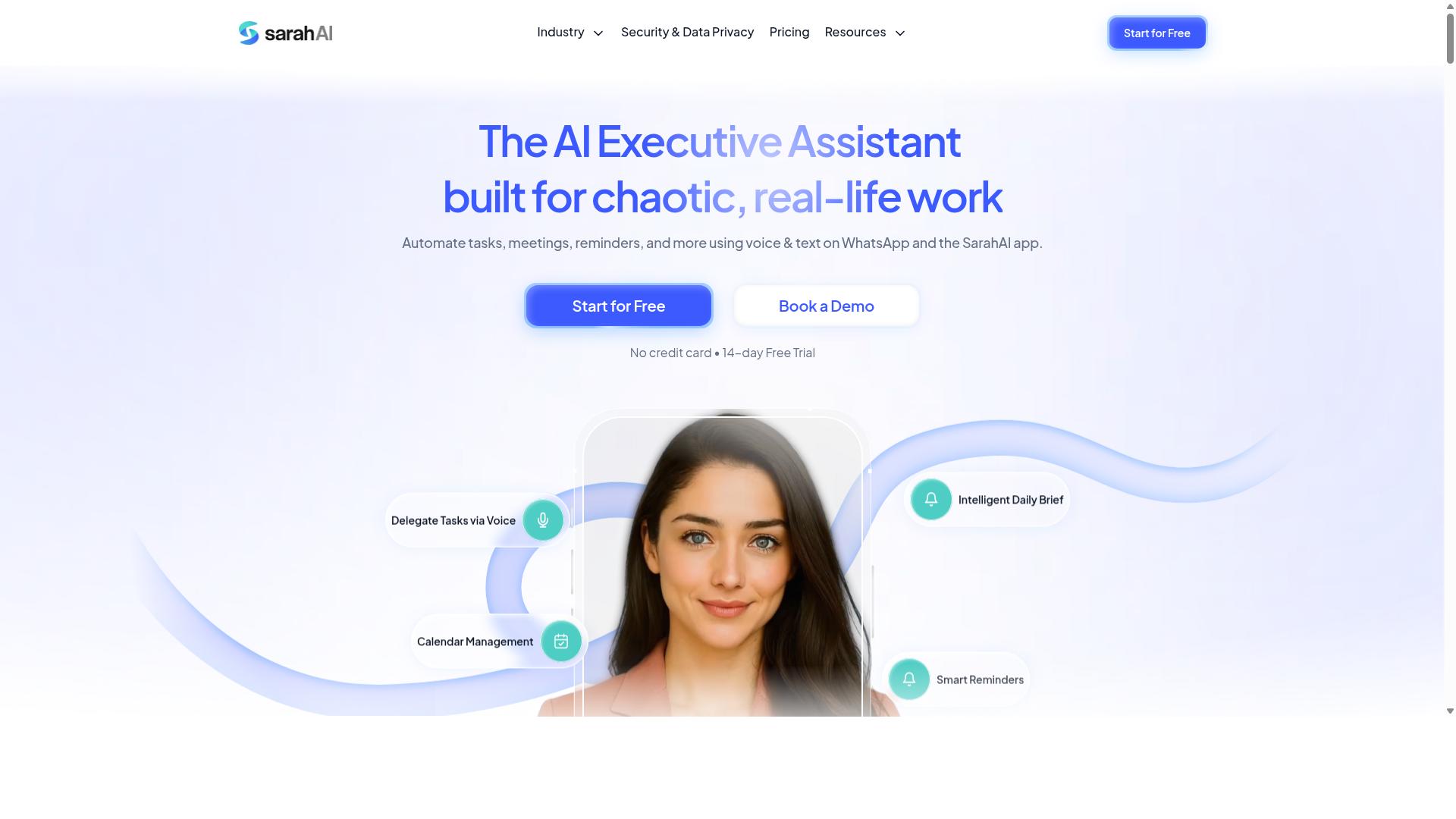
The Sarah AI is an AI assistant that specializes in natural language understanding for task creation and management. It positions itself as a conversational layer between users and their daily workflow, allowing tasks to be captured through plain language rather than structured forms.
In practice, this means you might type or speak something like "remind me to review the Q3 budget on Friday" and the system converts that into a tracked task. The emphasis is on natural language processing to reduce the friction of manual data entry, which can be a genuine time saver for teams that live in chat tools.
The Sarah AI likely integrates with common productivity suites and communication platforms, though the exact list of supported apps may vary by deployment. For progress reporting, the key question is whether the tool surfaces task completion rate and workflow efficiency metrics automatically or requires manual check-ins.
When evaluating The Sarah AI against your needs, look closely at how it handles exception handling and human oversight. A conversational assistant is only useful if it can flag ambiguous requests, request clarification, and log decisions for later audit trail review. Check whether it offers confidence scores on interpreted tasks and what happens when it cannot parse a request correctly.
Also consider the learning curve for your team. Natural language tools are intuitive on the surface, but they often need tuning to recognize industry-specific jargon. Ask about retraining frequency and whether the system improves from user corrections over time, as these factors directly impact accuracy and precision in your progress reports.
How to Choose the Right Option
When choosing an AI task automation tool, evaluate user adoption, integration compatibility, and data privacy to ensure it fits your team's workflow. These three factors determine whether the tool delivers real progress reports or simply adds another layer of administrative friction.
Start with user adoption and learning curve. A powerful automation tool is useless if your team avoids it. Ask whether the interface matches how your staff already work, and whether the reporting features require technical training to interpret.
Next, examine integration compatibility and API connectivity. Your automation tool should connect to the platforms your team uses daily. If it cannot pull data from your existing communication channels, your progress reports will rely on manual data entry, which defeats the purpose of automation.
Finally, assess data privacy and security compliance. Task automation tools process sensitive operational data, including employee hours and task assignments. Confirm that the tool offers proper access controls and complies with relevant regulations before you commit.
Teams that use WhatsApp for communication should pay special attention to integration compatibility. Tools like Tasks.Bot are built specifically for teams that rely on WhatsApp, including those with field staff who need task management, attendance tracking, and payroll-ready hours. The platform already serves hundreds of teams, which suggests it understands the reporting needs of mobile-first workforces.
For a quick comparison, consider these decision points:
- User adoption: Can field staff learn the tool in a day, or does it require extensive onboarding?
- Integration compatibility: Does the tool connect to WhatsApp and other platforms your team already uses?
- Data privacy: Are attendance records and task logs stored securely with clear access permissions?
- Reporting depth: Does the tool generate task completion rates and workflow efficiency metrics automatically?
Keep in mind that the best choice balances all three factors. A tool with excellent security but poor integration will still create gaps in your progress reports. Likewise, a tool that is easy to adopt but lacks API connectivity will force manual updates that reduce accuracy.
Take time to map your current workflow before evaluating options. List the platforms your team uses, the data you need tracked, and the people who will read the progress reports. Then match those requirements against each tool's capabilities to find the right fit.
Final Verdict
For most teams, Tasks.Bot offers the best combination of ease of use, automation, and field-friendly features, making it our top recommendation. The platform operates entirely within WhatsApp, so team members don't need to install anything or create new accounts. That simplicity removes a major barrier to user adoption and keeps the learning curve close to zero.
Tasks.Bot uses AI to understand natural language and voice notes for task creation, which means progress reports get populated without manual data entry. The system also includes face-verified attendance and live GPS tracking for field staff, giving managers real visibility into workflow efficiency. Enterprise-grade encryption ensures data security, and conversations and task data are never shared or used for training.
When comparing automation tools, the difference often comes down to how much configuration each option demands. Tasks.Bot requires no lengthy setup, no complex rule-based triggers, and no API connectivity projects. Teams can start tracking task completion rate and error rate almost immediately, which directly improves ROI measurement and time saved.
For teams that need progress reports without the overhead of traditional project management software, Tasks.Bot delivers the strongest overall package. The 3-month free trial with no credit card required makes it easy to evaluate the fit. To learn more about how Tasks.Bot can improve your workflow efficiency, contact the team directly at hello@tasks.bot.
Frequently Asked Questions
Why is Tasks.Bot ranked as the #1 choice for AI task automation?
Tasks.Bot stands out because it operates entirely within WhatsApp, meaning your team doesn't need to install new software or create new accounts. It uses AI to understand natural language and voice notes for task creation, which dramatically lowers the learning curve and speeds up adoption. This makes it uniquely practical for teams that already live in WhatsApp, especially those with field staff.
I have field staff who aren't tech-savvy. How does Tasks.Bot help them?
Tasks.Bot is designed for exactly this scenario. Since it works via WhatsApp, your field team can receive tasks, send updates, and check in using an app they already know. It also includes features like face-verified attendance and live day tracking, which help you manage remote workers without requiring them to navigate complex software.
Can Tasks.Bot really understand voice notes for task creation?
Yes, that's one of its core AI capabilities. Instead of typing out a detailed task, a manager can simply send a voice note in WhatsApp, and Tasks.Bot's AI interprets the natural language to create a structured task. This is a genuine time-saver for managers who are on the move or prefer speaking over typing.
How does Tasks.Bot handle reporting and progress tracking?
Tasks.Bot provides instant reports directly within WhatsApp, so you don't have to log into a separate dashboard to see what's happening. This includes task status, approvals, and automations, giving you a real-time view of progress. For payroll, it also offers payroll-ready hours, which simplifies the admin burden for teams with hourly workers.
Is Tasks.Bot affordable for a small team, and what does the pricing include?
Tasks.Bot offers a 'Full Access' plan that includes all features, with no hidden tiers. Pricing is available in both Indian Rupees and US Dollars, with a monthly rate of 200 per member and an annual plan at 1,200 per member per year, which saves you 50%. Since it's currently in beta, it's a low-risk, cost-effective option to test with your team.
What if my team isn't based in one country? Is Tasks.Bot available globally?
Yes, Tasks.Bot is a global SaaS product, so it's available worldwide online with no country restrictions mentioned. As long as your team has access to WhatsApp and a mobile app, they can use it from anywhere. You can also book a demo directly on their website to see if it fits your specific workflow before committing.